Get your friends drawing.
A private room is the same drawing game, just for the people you invite. Choose a word list, share the invite and start guessing together.
Make our roomSet up your room
Choose Make a private room, enter your username, then pick a word list. That is the setup. The game handles the turns, clock and scores.
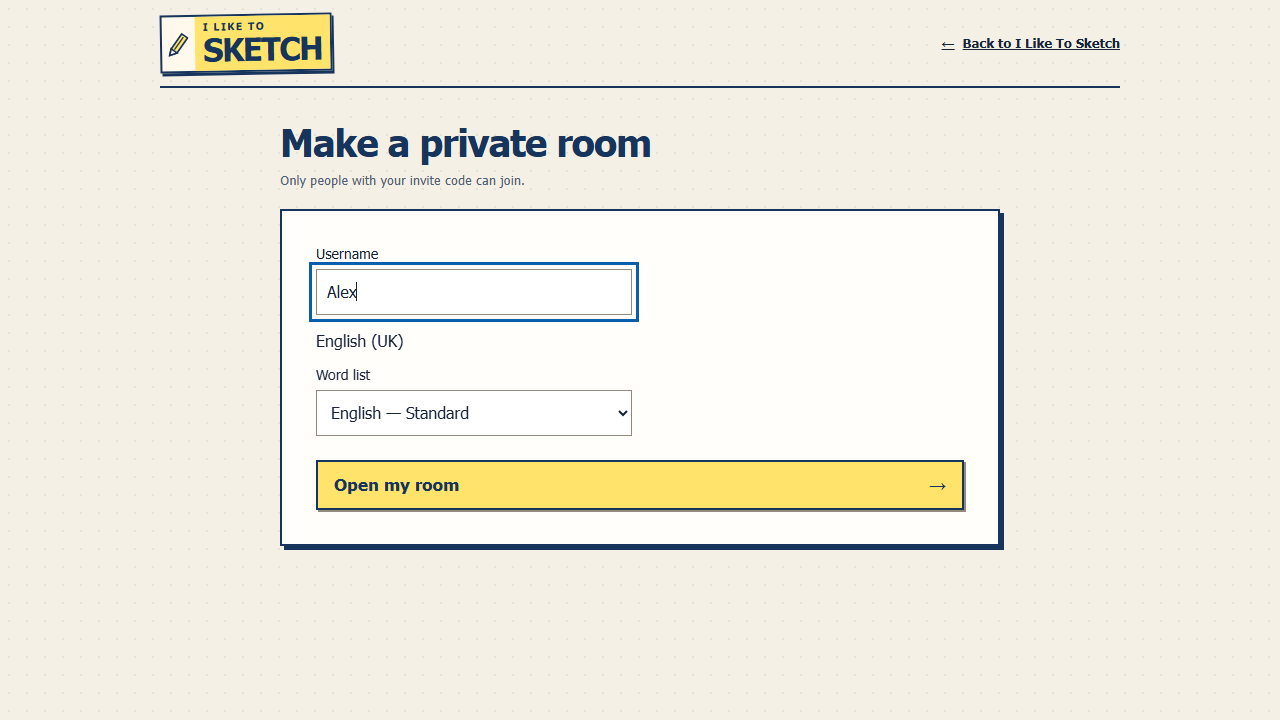
Get everyone into the same game
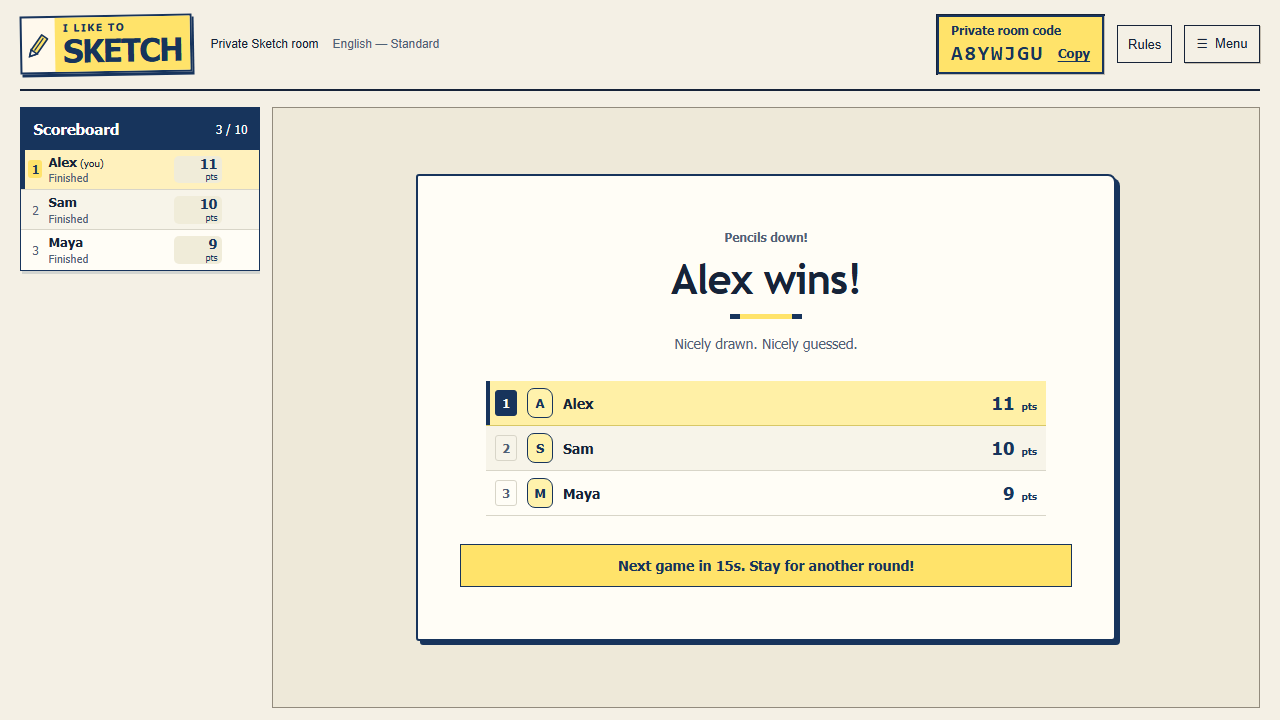
Copy the invite from your room and share it with the people you want to play with. They open the link and choose a username. If you send the room code instead, they can enter it on the join screen.
Keep the invite within your group. A private room is not listed publicly, but anyone who receives its invite can try to join.
No host button to babysit
Once at least two players are in the room, a short countdown starts the game. You take turns drawing just as you would in a public room. The person who made the room can leave, and the others can keep playing while enough players remain.
Coming back later?
Private rooms are temporary, so an old invite may expire. Try returning on the same browser if you briefly lose connection. Choosing Leave room gives up your seat and score; you can join again if there is space.
For scoring and drawing rules, see how to play. If something feels wrong, use the safety and reporting guide.